Gemini Omni Video
Gemini Omni Video turns text prompts and reference images into short AI video clips with synchronized audio, fixed-lens control, and practical delivery settings.
Prompt, image, audio, and delivery controls
The workflow works best when generation mode, audio needs, resolution, duration, aspect ratio, and camera stability are visible before the render begins.
Create an 8-second product scene from the uploaded image, keep the camera fixed, add synchronized ambient audio, and render in a vertical social format.
Gemini Omni Video workflow
Choose input mode
Start from a clean text prompt or from an image that needs controlled motion.
Set delivery format
Pick the aspect ratio, resolution, and duration before spending credits on the final clip.
Decide on audio
Enable synchronized audio when the scene needs atmosphere, action, or stronger storytelling.
Stabilize the shot
Use fixed-lens direction when the clip should preserve a clean product, character, or interface shot.
Why choose Gemini Omni Video
Audio generation
Gemini Omni Video can create clips with synchronized audio for more complete short-form output.
Multiple resolutions
Choose 480p, 720p, or 1080p so Gemini Omni Video matches your cost and quality target.
Six aspect ratios
Gemini Omni Video supports square, portrait, landscape, vertical, and cinematic formats.
Variable duration
Generate 4, 8, or 12 second Gemini Omni Video clips for different story beats.
Fixed-lens option
Lock the camera when Gemini Omni Video needs a stable product, scene, or character shot.
Homepage-ready workflow
The homepage keeps Gemini Omni Video settings compact, visible, and ready for repeat creation.
Gemini Omni Video planning examples
These visual examples show the shot notes, audio needs, and motion constraints that make Gemini Omni Video prompts easier to review.
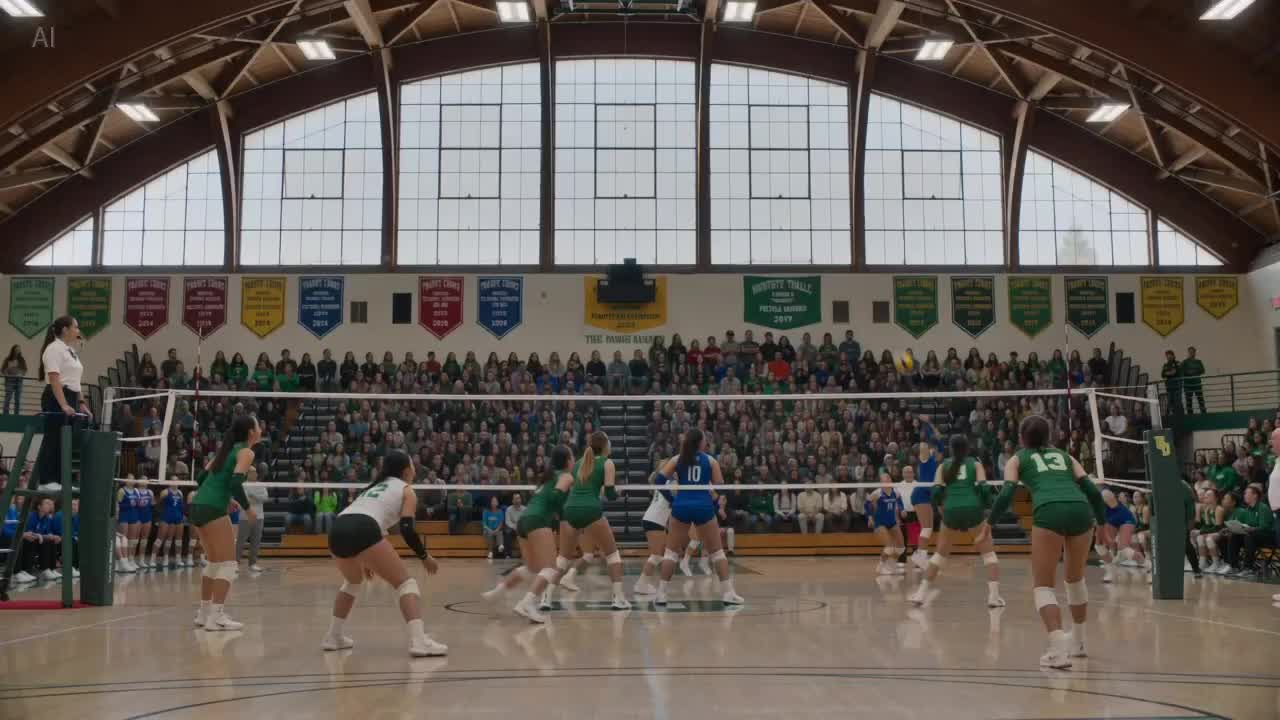
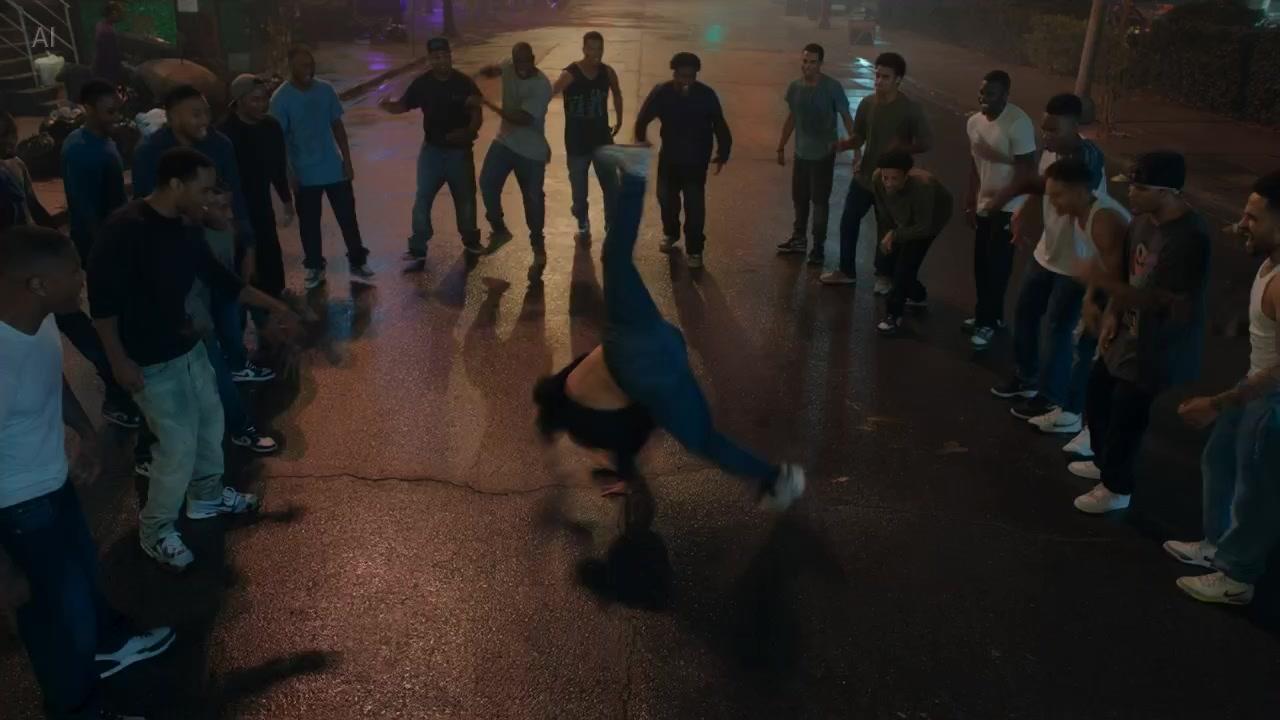
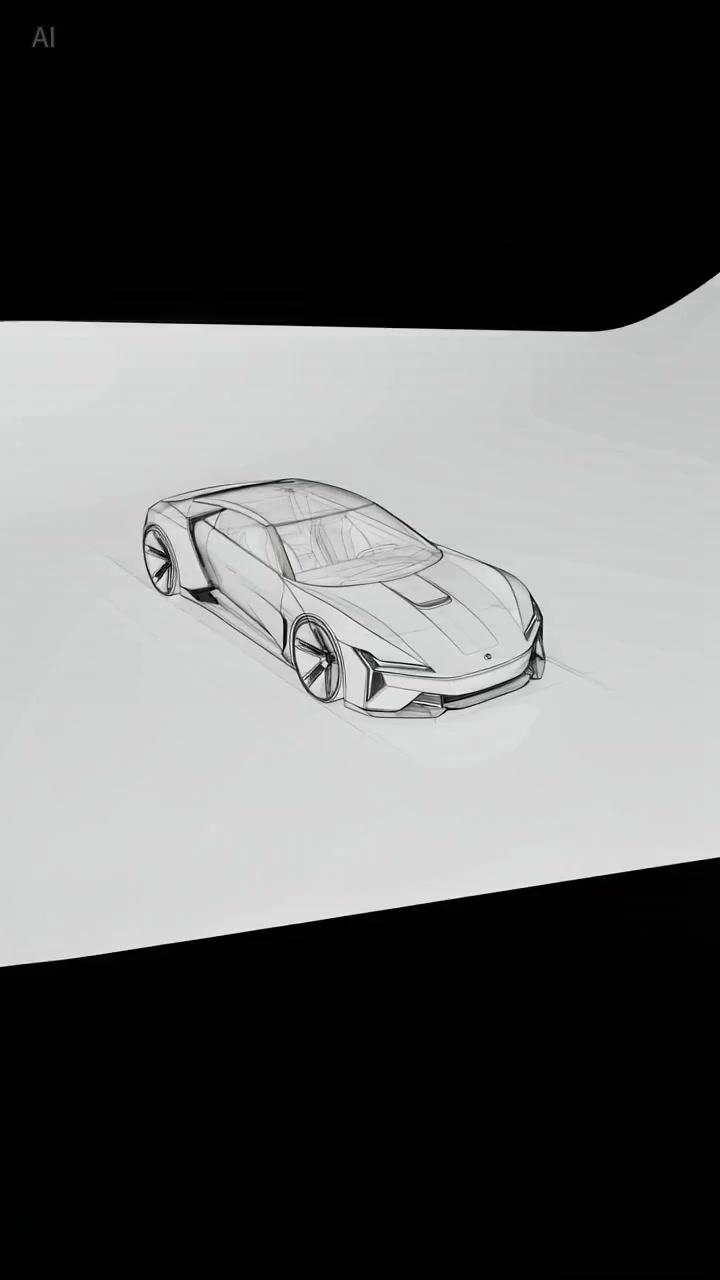
Gemini Omni Video guide for reliable clips
Gemini Omni Video is useful when teams need a direct AI video generator with enough controls to match a channel brief. A reliable Gemini Omni Video setup begins with the source mode: text-to-video for open concepts, image-to-video when a subject or layout must stay recognizable. That first choice shapes every prompt decision that follows.
The next Gemini Omni Video decision is delivery. Resolution, duration, and aspect ratio are not minor settings; they define cost, review expectations, and where the clip can be published. A vertical Gemini Omni Video social clip needs different framing from a widescreen product demo, even when the story is the same.
Audio is a major reason to keep Gemini Omni Video on the homepage. Synchronized audio can make sports scenes, product reveals, ambience, and short ads feel complete. The tradeoff is cost, so the prompt should state what the audio adds instead of enabling it by habit.
Fixed-lens mode gives Gemini Omni Video a practical stabilizer for shots where camera movement would distract from the subject. Product demos, app showcases, talking-head concepts, and clean hero clips often benefit from fixed-lens direction because reviewers can focus on the message, compare variations calmly, and approve final footage with fewer subjective debates.
For SEO intent, this Gemini Omni Video page explains what the generator supports, how audio changes the workflow, why resolution and aspect ratio matter, and when fixed-lens generation is useful. That depth helps visitors decide whether Gemini Omni Video is the right path before they spend credits or production time.
Gemini Omni Video FAQ
What is Gemini Omni Video?
Gemini Omni Video is the homepage AI video generator for text-to-video and image-to-video workflows with optional audio.
Can Gemini Omni Video generate audio?
Yes. Gemini Omni Video can generate synchronized audio, which is useful for ambience, action, and short-form storytelling.
Which aspect ratios does Gemini Omni Video support?
Gemini Omni Video supports 1:1, 4:3, 3:4, 16:9, 9:16, and 21:9 formats.
How long can Gemini Omni Video clips be?
The homepage workflow supports 4 second, 8 second, and 12 second Gemini Omni Video duration options.
When should I use fixed lens?
Use fixed lens when Gemini Omni Video should keep camera movement stable for product, character, or clean scene shots.
How should teams plan Gemini Omni Video generation?
Define the Gemini Omni Video input mode, credit rules, and output review criteria before producing a final campaign clip.
Gemini Omni Video
Gemini Omni Video turns text prompts and reference images into short AI video clips with synchronized audio, fixed-lens control, and practical delivery settings.